Math
All mathematical nodes - arithmetic operators, trigonometric functions, logarithms, constants, utility functions, and type convertors.
70 nodes in this group
Operators
Basic arithmetic, rounding, comparison, and logic gate operations. Most operator nodes accept expandable input ports - use "add port" to chain more values.
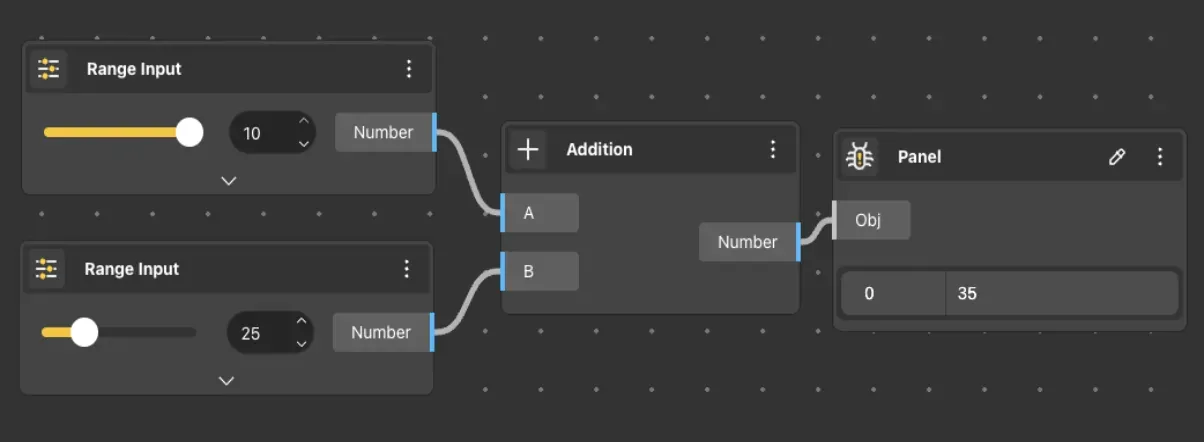
Addition
Behavior
Accepts numerical inputs and outputs their sum. Additional inputs can be added via the "add port" function in the node menu. Default: A 0, B 0. Starts with 2 input ports, expandable to any count. When list inputs are provided, sums are computed element-wise using the active list matching mode. Adding more input ports allows summing 3+ values without chaining multiple nodes. For summing an entire list at once, use Mass Addition instead.
Inputs
A, B
Outputs
Sum
Pairs With
Range Input, Construct Point
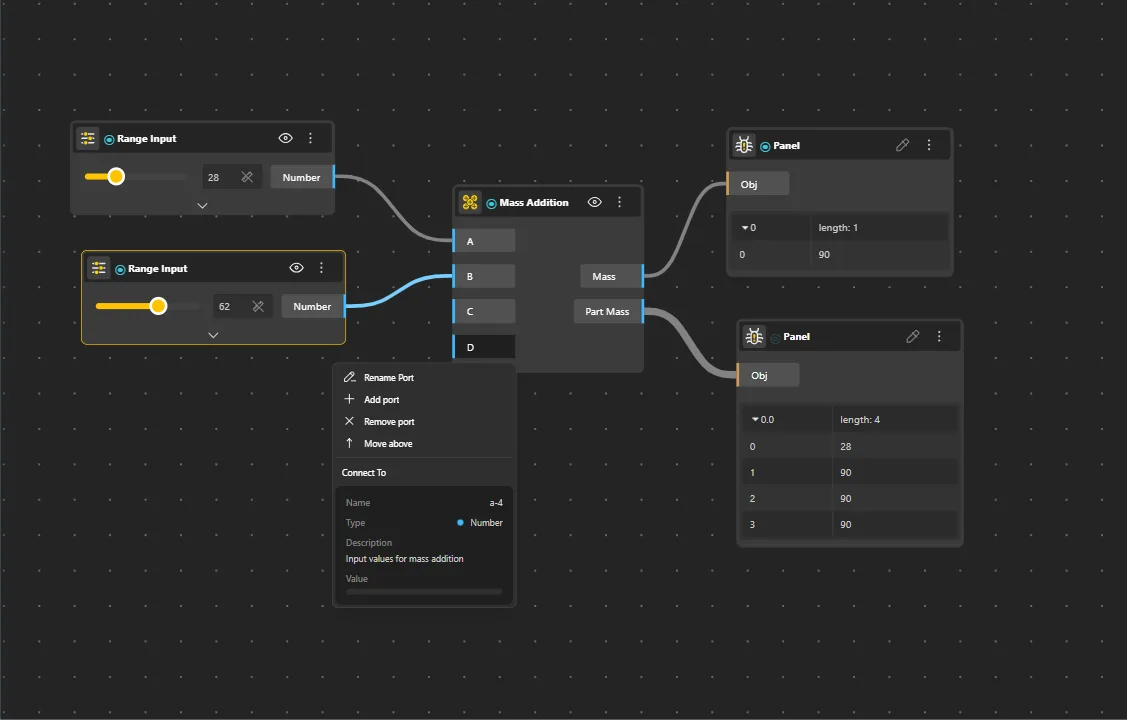
Mass Addition
Behavior
Computes the sum of all values in a list at once. Takes a list of numbers and returns a single total. Operates on list data - sums all elements in the input list into one output value. More efficient than chaining multiple Addition nodes.
Inputs
List
Outputs
Sum
Pairs With
List Sequence, Division
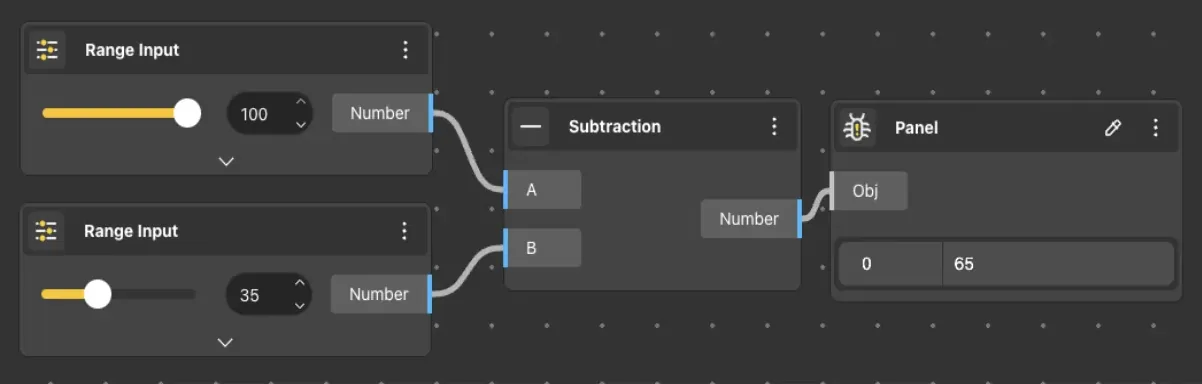
Subtraction
Behavior
Calculates the difference between input A and input B. Additional subtractive inputs can be added. Default: A − B. Expandable ports.
Inputs
A, B
Outputs
Difference
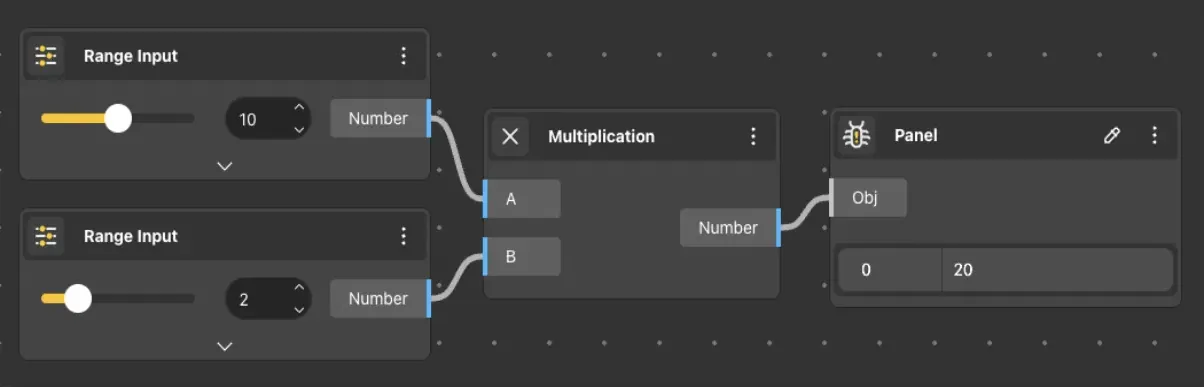
Multiplication
Behavior
Takes numerical inputs and calculates the product. Additional inputs can be added via the node menu. Default: A × B. Expandable ports.
Inputs
A, B
Outputs
Product
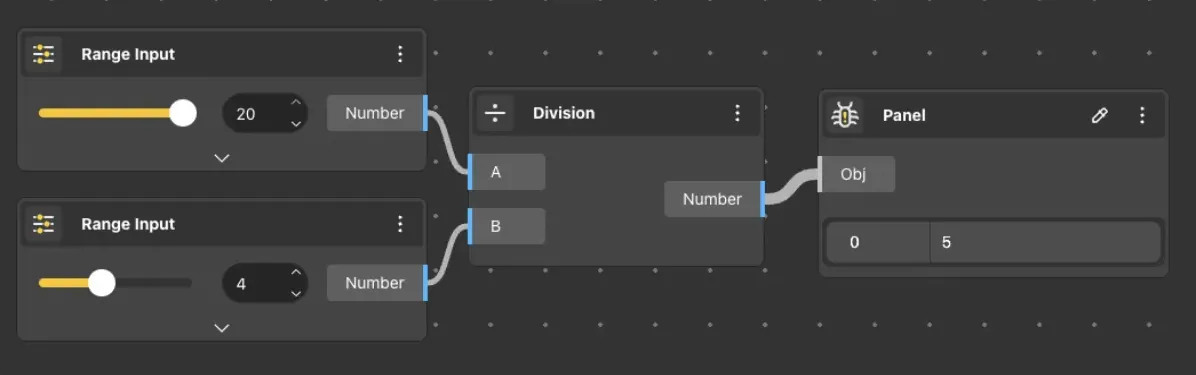
Division
Behavior
Divides value from input A by value from input B. Additional divisive inputs can be chained. Default: A 0, B 1. Expandable ports. Division by zero produces Infinity or NaN. When B is 0, the solver marks the node as errored. Expandable - adding a third port C computes (A ÷ B) ÷ C.
Inputs
A, B
Outputs
Quotient
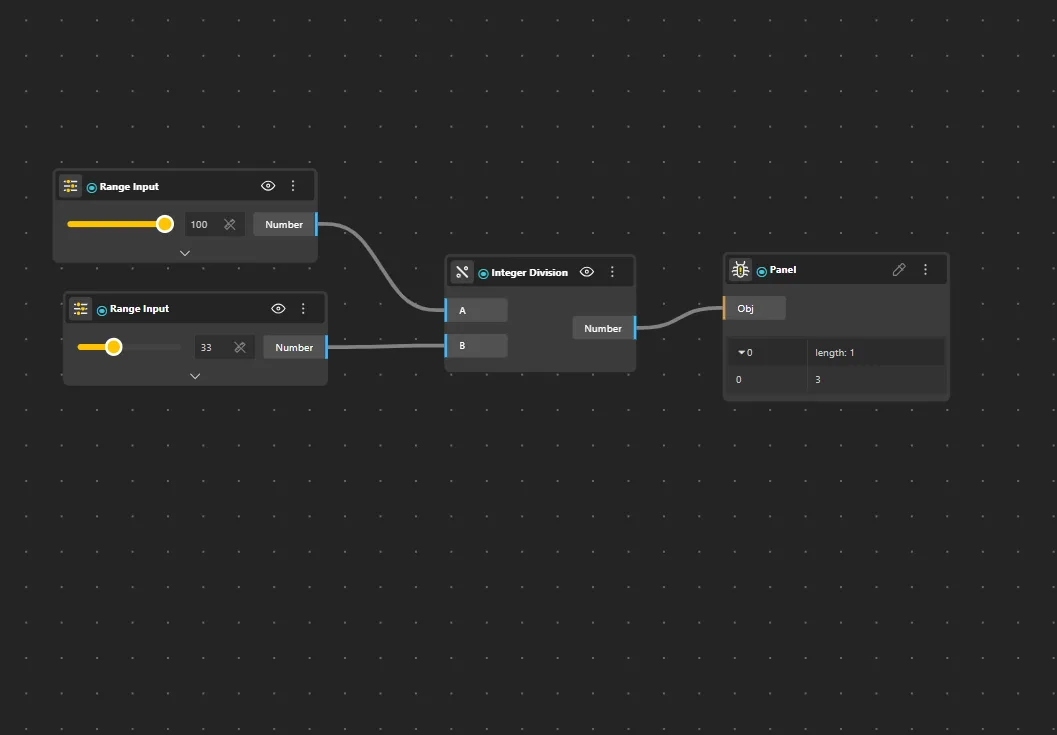
Integer Division
Behavior
Divides A by B and returns only the integer part of the result, discarding any remainder. Default: floor(A ÷ B).
Inputs
A, B
Outputs
Result
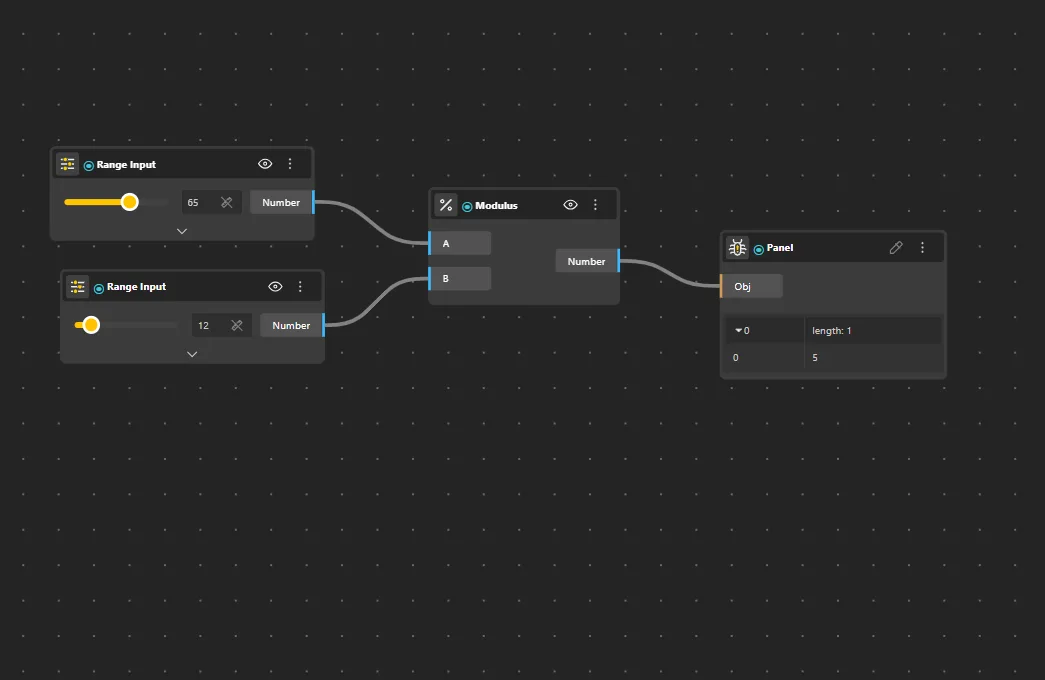
Modulus
Behavior
Returns the remainder of dividing A by B. 7 mod 3 = 1, 10 mod 5 = 0, 11 mod 4 = 3. Commonly used for creating repeating patterns - e.g., index mod 3 cycles through {0,1,2,0,1,2,…} which can drive alternating colors, sizes, or material assignments across an array.
Inputs
A, B
Outputs
Remainder
Power
Behavior
Raises the base to the exponent power (base^exp). Default: base^exponent.
Inputs
Base, Exponent
Outputs
Result
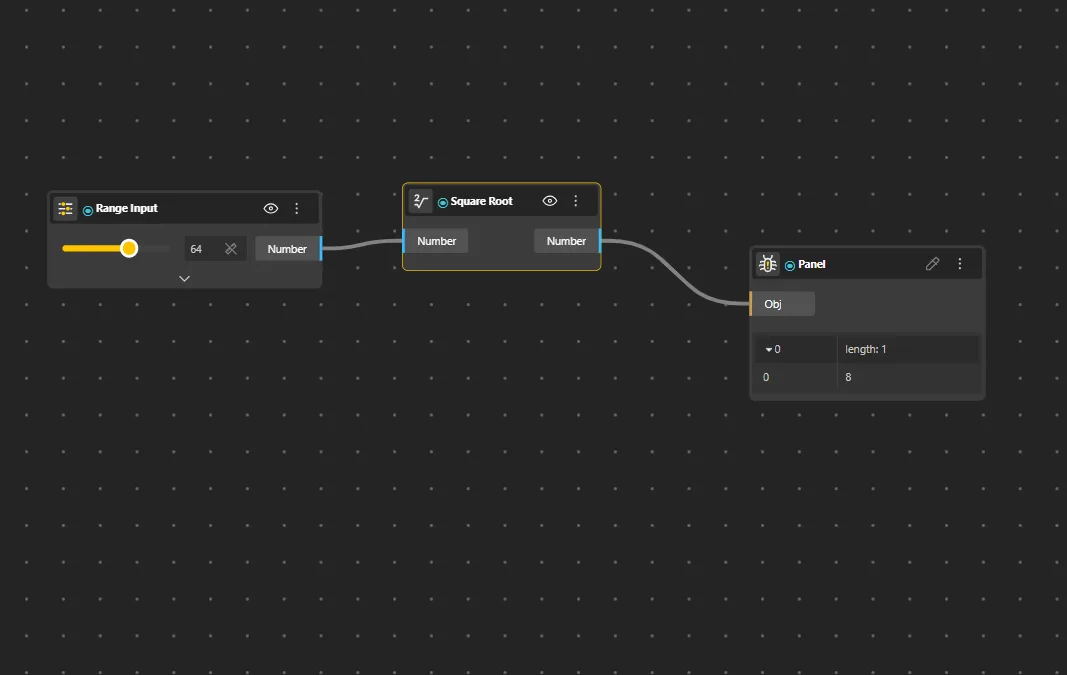
Square Root
Behavior
Computes the square root of the input value. Default: √x. Negative inputs produce NaN.
Inputs
Value
Outputs
Result
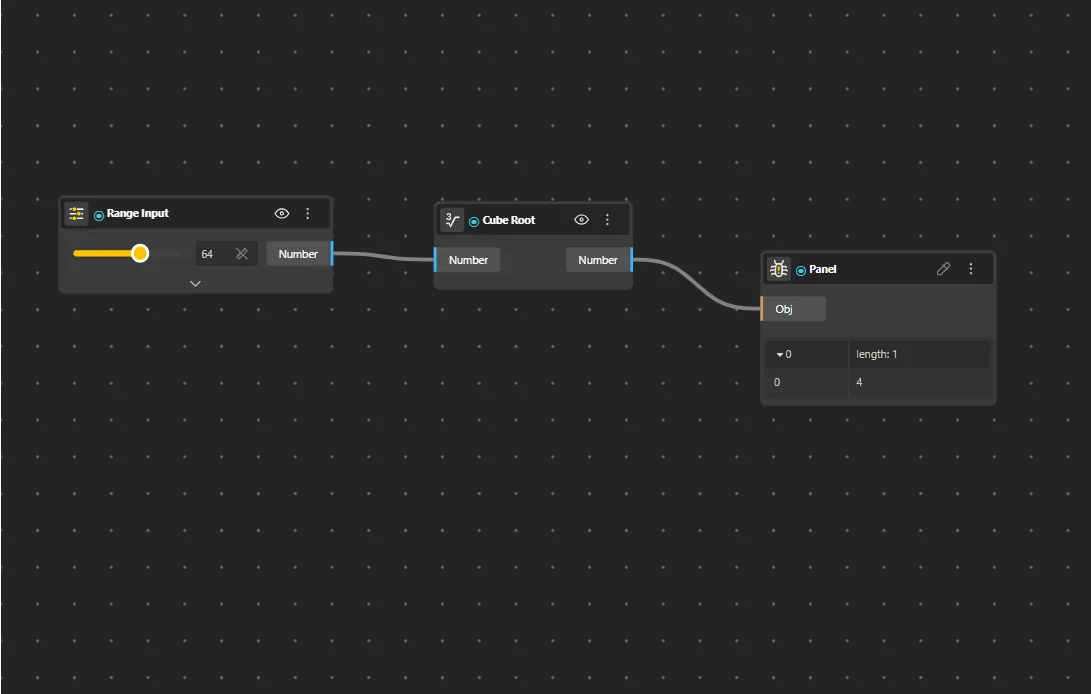
Cube Root
Behavior
Computes the cube root of the input value. Default: ∛x. Unlike Square Root, accepts negative inputs and returns negative results.
Inputs
Value
Outputs
Result
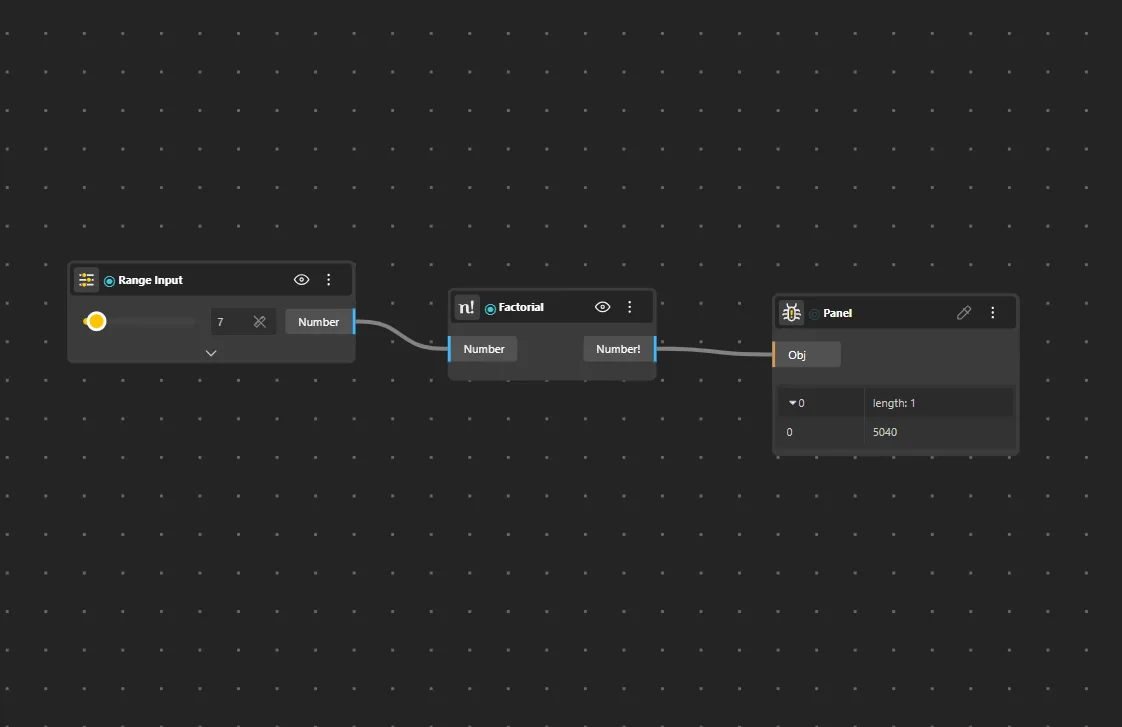
Factorial
Behavior
Computes the factorial (n!) of the input integer. Input should be a non-negative integer. Large values grow extremely quickly.
Inputs
N
Outputs
Result
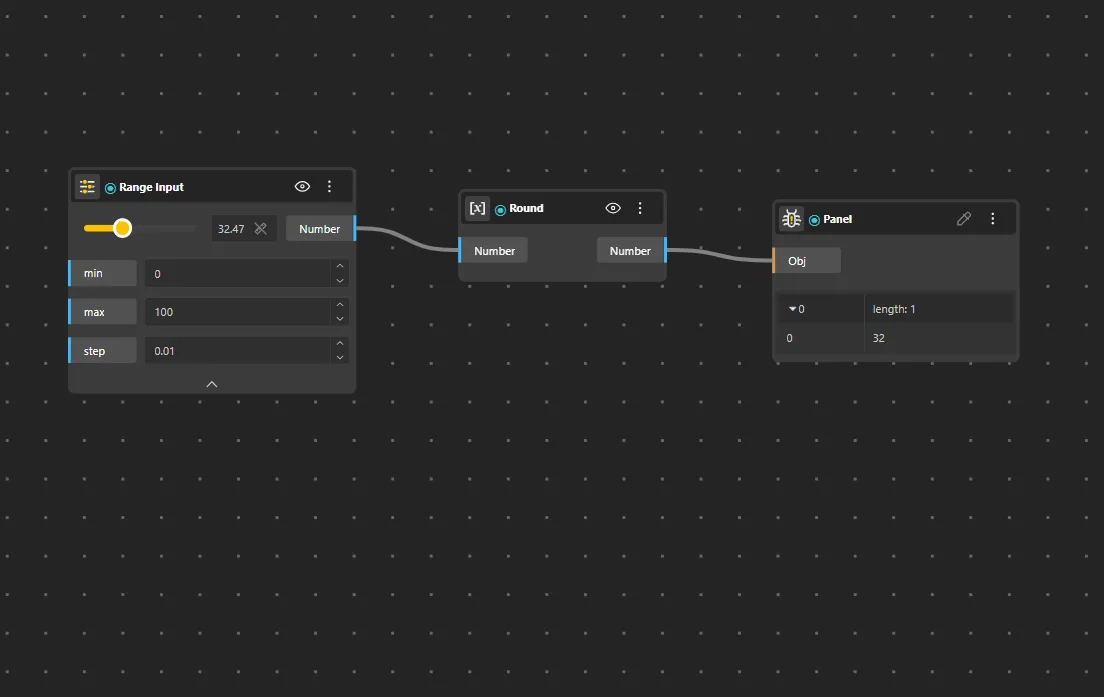
Round
Behavior
Rounds the input to the nearest integer. Default: round(x). 0.5 rounds up.
Inputs
Value
Outputs
Integer
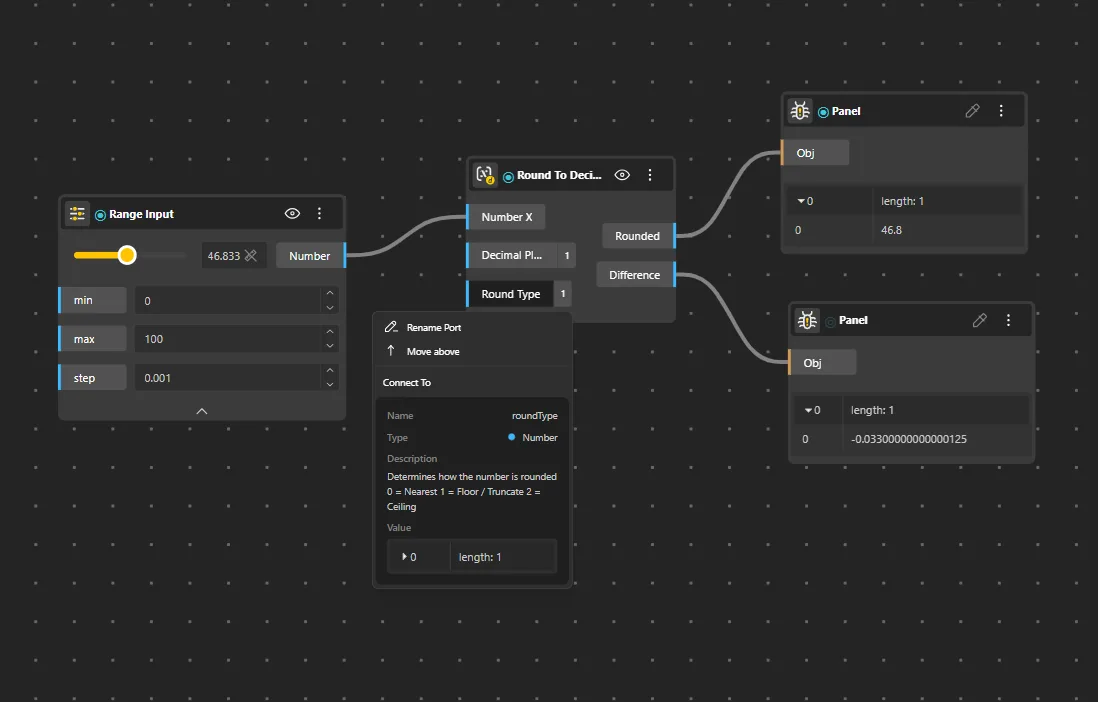
Round To Decimal Place
Behavior
Rounds the input to a specified number of decimal places. Default: 2 decimal places.
Inputs
Value, Decimals
Outputs
Result
Round To Factor
Behavior
Rounds the input to the nearest multiple of a given factor. Default: factor 1. Useful for snapping values to grid intervals - e.g., factor 5 rounds to nearest 5.
Inputs
Value, Factor
Outputs
Result
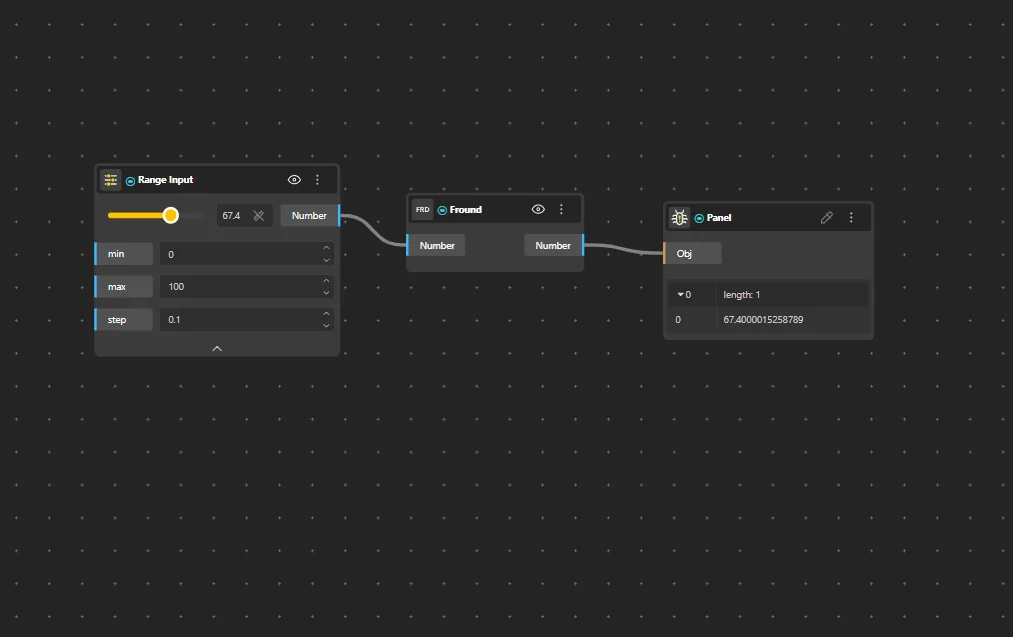
Fround
Behavior
Returns the nearest 32-bit single precision float representation of the input number.
Inputs
Value
Outputs
Result
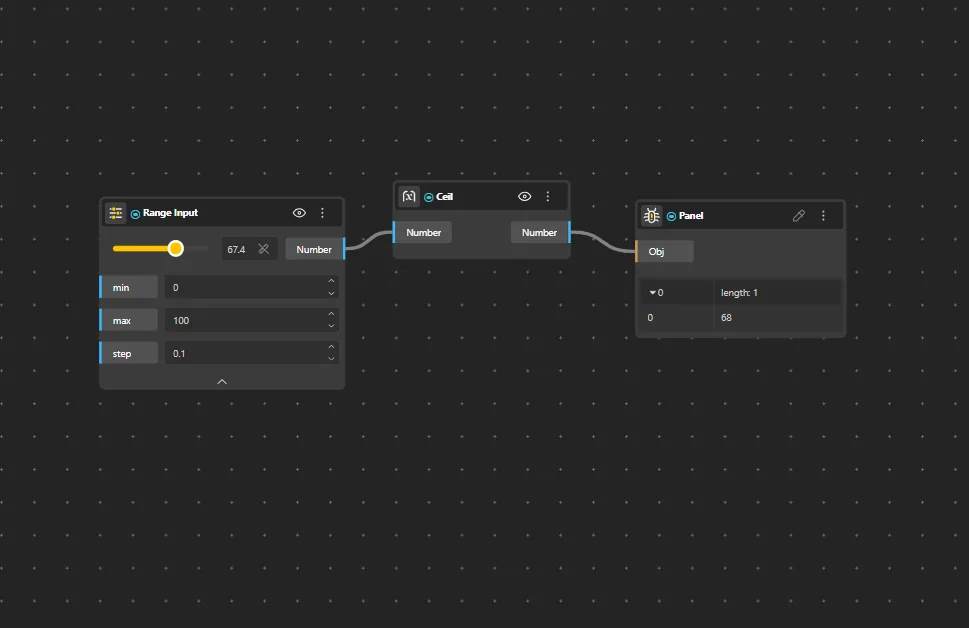
Ceil
Behavior
Rounds the input up to the nearest integer. Always rounds toward positive infinity.
Inputs
Value
Outputs
Integer
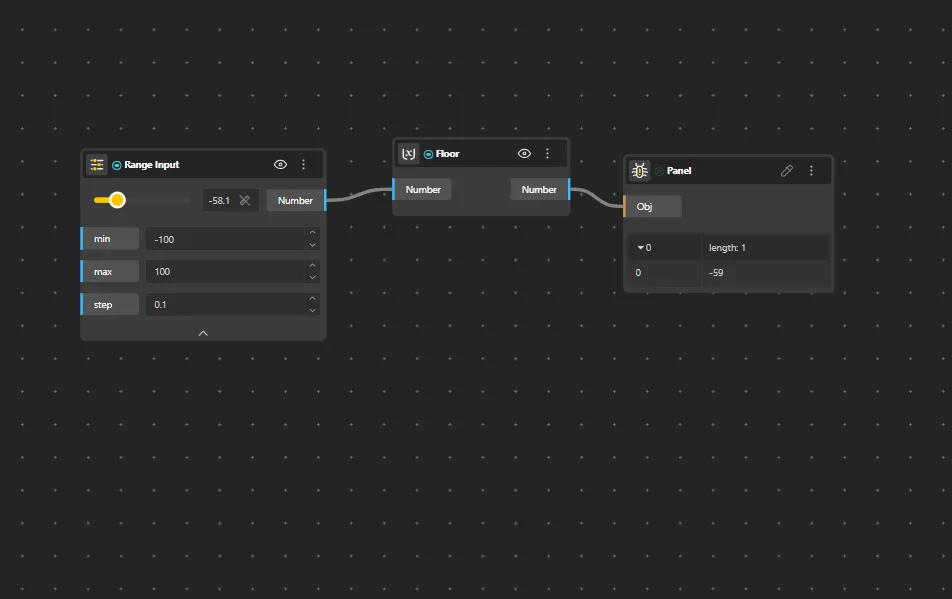
Floor
Behavior
Rounds the input down to the nearest integer. Always rounds toward negative infinity.
Inputs
Value
Outputs
Integer
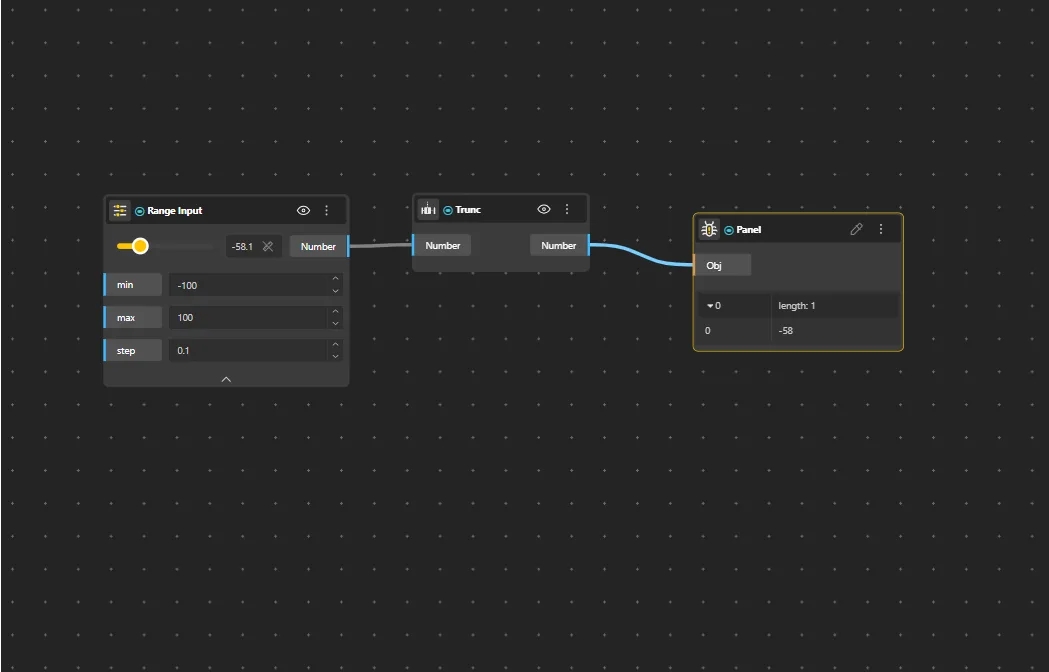
Trunc
Behavior
Truncates the decimal part of the input, returning only the integer portion. Unlike Floor, truncates toward zero. trunc(-2.7) = -2, while floor(-2.7) = -3. The difference matters for negative values.
Inputs
Value
Outputs
Integer
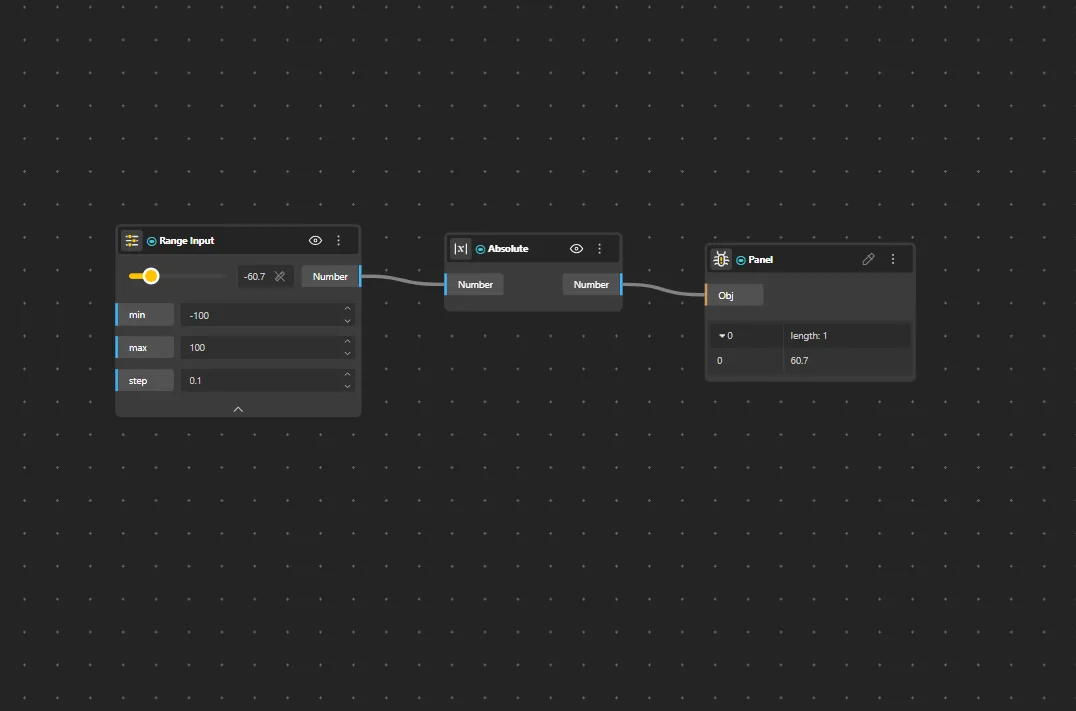
Absolute
Behavior
Returns the absolute value of the input - always non-negative. Default: |x|.
Inputs
Value
Outputs
Result
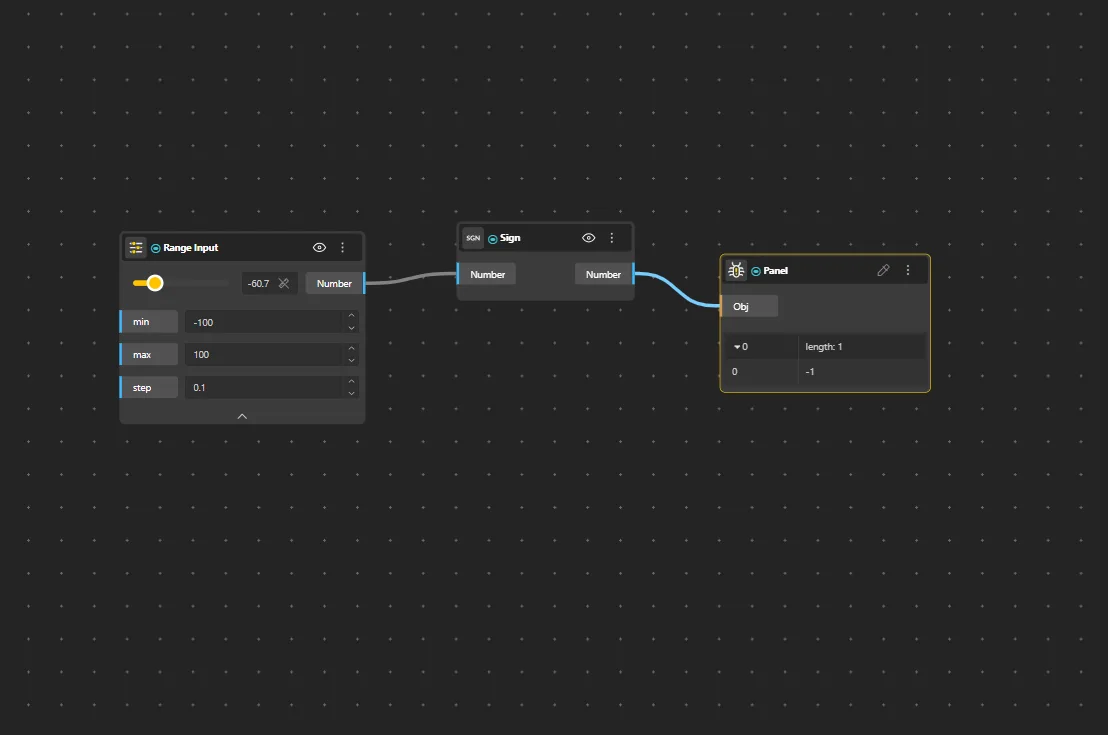
Sign
Behavior
Returns the signum function of the input - 1 for positive values, -1 for negative values, and 0 for zero.
Inputs
Value
Outputs
Result
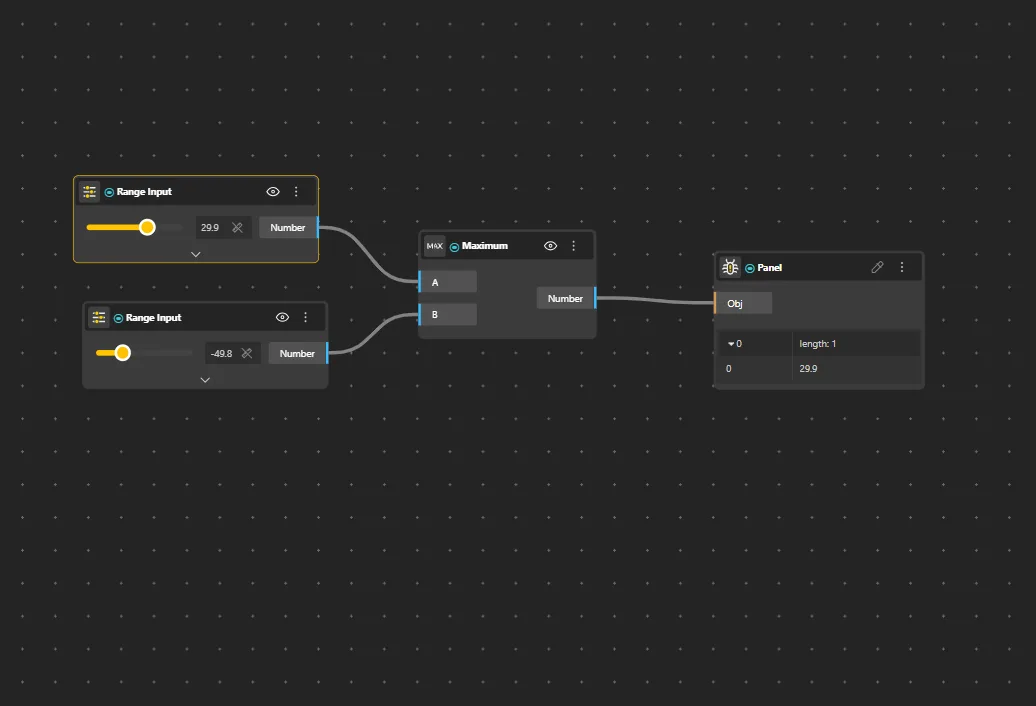
Maximum
Behavior
Returns the larger of the input values. Expandable to compare more than two values.
Inputs
A, B
Outputs
Max
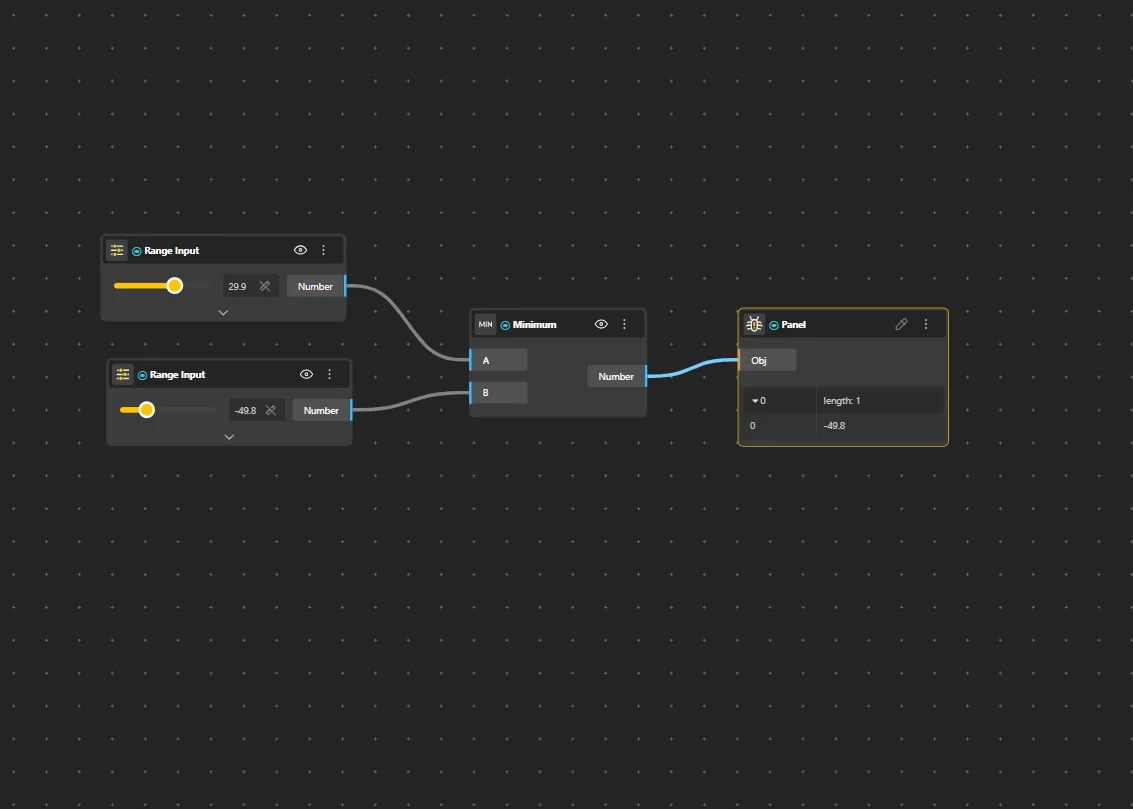
Minimum
Behavior
Returns the smaller of the input values. Expandable to compare more than two values.
Inputs
A, B
Outputs
Min
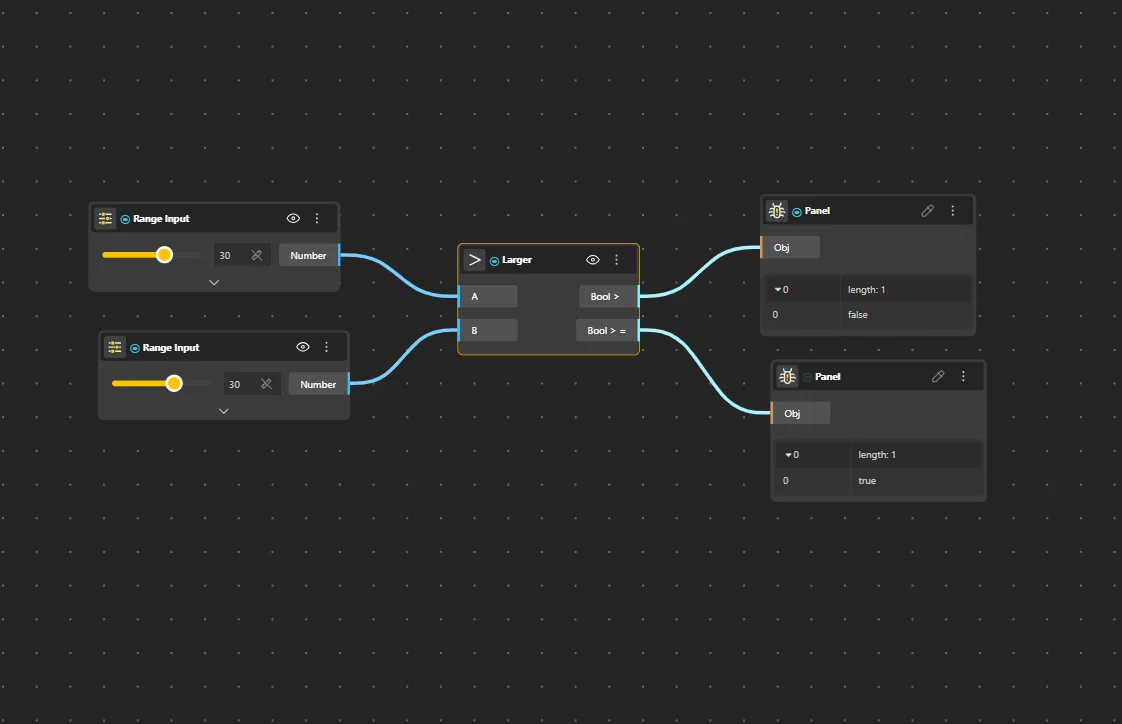
Larger
Behavior
Compares two numbers and returns true if A is larger than B.
Inputs
A, B
Outputs
Result
Pairs With
Select (for conditional grouping)
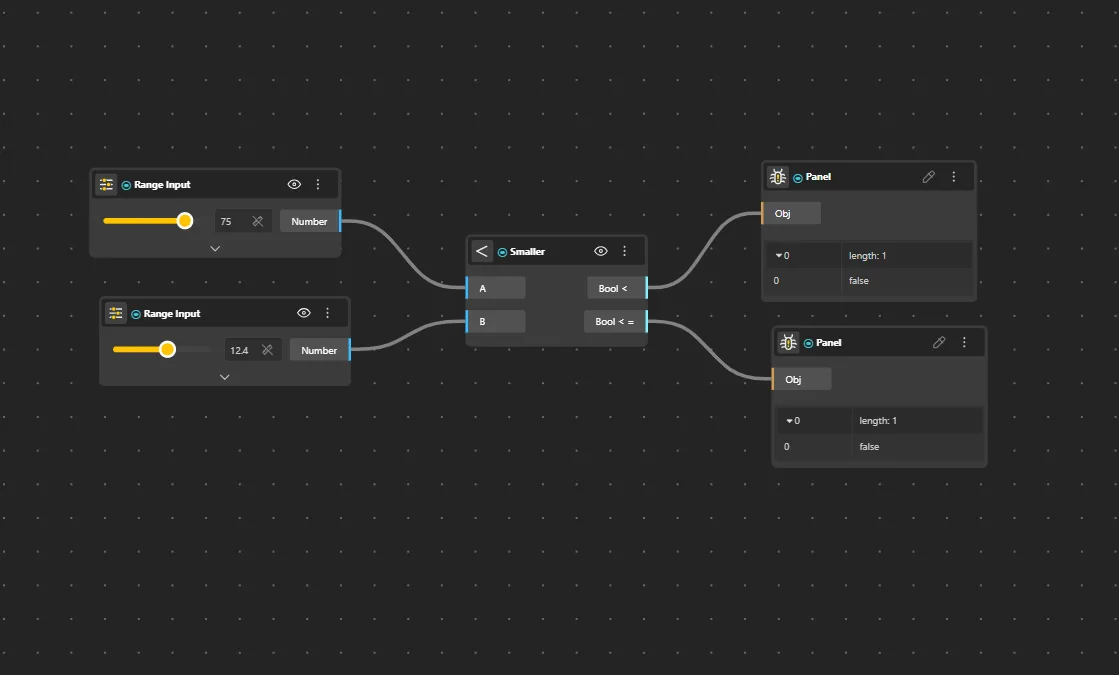
Smaller
Behavior
Compares two numbers and returns true if A is smaller than B.
Inputs
A, B
Outputs
Result
Pairs With
Select (for conditional grouping)
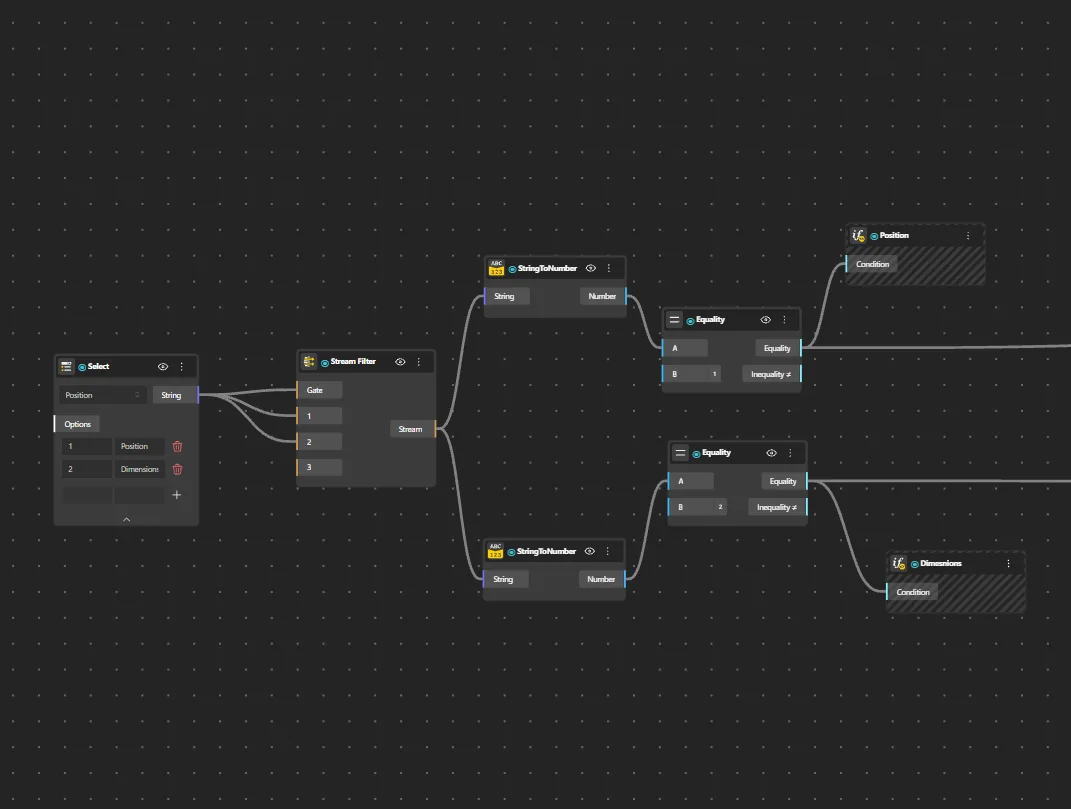
Equality
Behavior
Compares two values and returns true if they are equal.
Inputs
A, B
Outputs
Result
Pairs With
Select (for conditional grouping)
Gate AND
Behavior
Outputs true only when every input is true - otherwise outputs false. With two inputs A and B, the result is true only when A and B are both true. Use to combine multiple conditions that must all be satisfied at once - e.g., selecting points that lie inside a region AND sit above a height threshold.
Inputs
A, B
Outputs
Result
Pairs With
Select (for conditional grouping)
Gate OR
Behavior
Outputs true when at least one input is true - outputs false only when every input is false. With two inputs A and B, the result is true if A, B, or both are true. Use when any one of several conditions is enough to trigger a branch in the graph.
Inputs
A, B
Outputs
Result
Pairs With
Select (for conditional grouping)
Gate XOR
Behavior
Exclusive OR - outputs true only when the two inputs differ (exactly one is true). Outputs false when both inputs are true or both are false. Useful for toggling states and for detecting mismatches between two boolean conditions.
Inputs
A, B
Outputs
Result
Pairs With
Select (for conditional grouping)
Gate XNOR
Behavior
The inverse of Gate XOR - outputs true only when the two inputs are the same (both true or both false). Outputs false when they differ. Use to detect boolean equality, i.e. "these two conditions agree."
Inputs
A, B
Outputs
Result
Pairs With
Select (for conditional grouping)
Gate NOT
Behavior
Inverts a single boolean input - true becomes false and false becomes true. The simplest gate. Use to flip a condition without restructuring the upstream logic - e.g. turning an "inside region" test into "outside region."
Inputs
A
Outputs
Result
Pairs With
Select (for conditional grouping)
Gate NAND
Behavior
The inverse of Gate AND - outputs false only when every input is true, and true in every other case. Equivalent to chaining AND into NOT. Use to test "not everything at once" - e.g. passing geometry through when any one required condition is missing.
Inputs
A, B
Outputs
Result
Pairs With
Select (for conditional grouping)
Gate NOR
Behavior
The inverse of Gate OR - outputs true only when every input is false, and false the moment any input becomes true. Equivalent to chaining OR into NOT. Use to confirm that none of a set of conditions are met.
Inputs
A, B
Outputs
Result
Pairs With
Select (for conditional grouping)
Gate Majority
Behavior
Outputs true when more than half of the boolean inputs are true. With three inputs A, B, and C, the result is true when at least two of them are true. Use for voting-style conditions where group consensus matters rather than any single input passing.
Inputs
A, B, C
Outputs
Result
Pairs With
Select (for conditional grouping)
Trigonometric
Angle-based calculations. All trig nodes expect angles in radians - use DegToRad to convert from degrees.
Sine
Behavior
Takes an angle in radians and outputs a value between -1 and 1. The fundamental wave function for oscillating patterns. Input is in radians, not degrees - use DegToRad to convert. sin(0) = 0, sin(π/2) = 1, sin(π) = 0, sin(3π/2) = -1. Feed a List Sequence through Sine to create wave-shaped height patterns for arrays, facades, and organic surfaces.
Inputs
Angle (rad)
Outputs
Value
SineH
Behavior
Computes the hyperbolic sine of the input value.
Inputs
Value
Outputs
Result
Cosine
Behavior
Takes an angle in radians and outputs a value between -1 and 1.
Inputs
Angle (rad)
Outputs
Value
CosineH
Behavior
Computes the hyperbolic cosine of the input value.
Inputs
Value
Outputs
Result
Tangent
Behavior
Takes an angle in radians and outputs the tangent value.
Inputs
Angle (rad)
Outputs
Value
TangentH
Behavior
Computes the hyperbolic tangent of the input value.
Inputs
Value
Outputs
Result
ArcSine
Behavior
Returns the arcsine (inverse sine) of a value, in radians. Input must be between -1 and 1.
Inputs
Value
Outputs
Angle (rad)
ArcSineH
Behavior
Returns the inverse hyperbolic sine of the input value.
Inputs
Value
Outputs
Result
ArcCosine
Behavior
Returns the arccosine (inverse cosine) of a value, in radians. Input must be between -1 and 1.
Inputs
Value
Outputs
Angle (rad)
ArcCosineH
Behavior
Returns the inverse hyperbolic cosine of the input value.
Inputs
Value
Outputs
Result
ArcTangent
Behavior
Returns the arctangent (inverse tangent) of the input value, in radians.
Inputs
Value
Outputs
Angle (rad)
ArcTangentH
Behavior
Returns the inverse hyperbolic tangent of the input value.
Inputs
Value
Outputs
Result
ArcTangent2
Behavior
Returns the angle in radians between the positive X axis and the point (x, y). Provides the full 2π range unlike ArcTangent.
Inputs
Y, X
Outputs
Angle (rad)
Tools
Logarithms, exponentials, unit converters, and value-type converters.
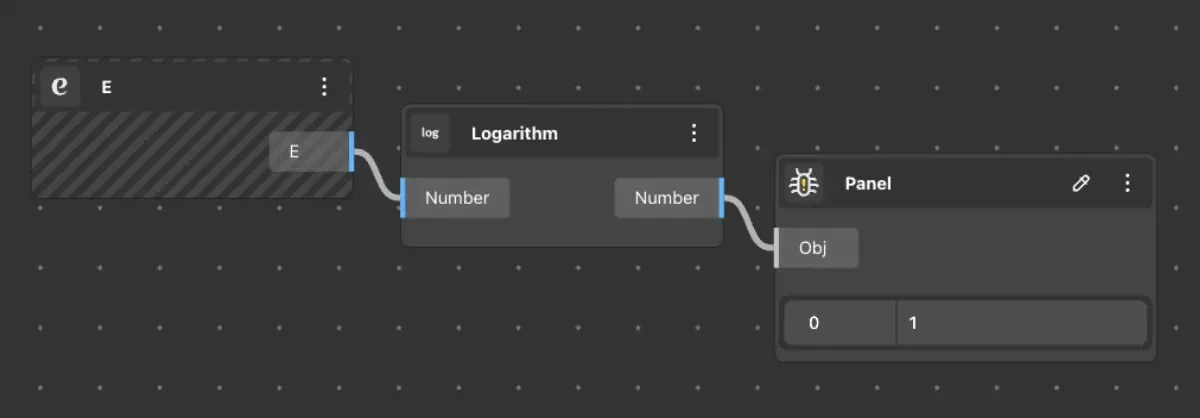
Logarithm
Behavior
Returns the natural logarithm (base e) of the input value.
Inputs
Value
Outputs
Result
Log1p
Behavior
Returns the natural logarithm of (1 + x). More accurate than Logarithm for small values of x.
Inputs
Value
Outputs
Result
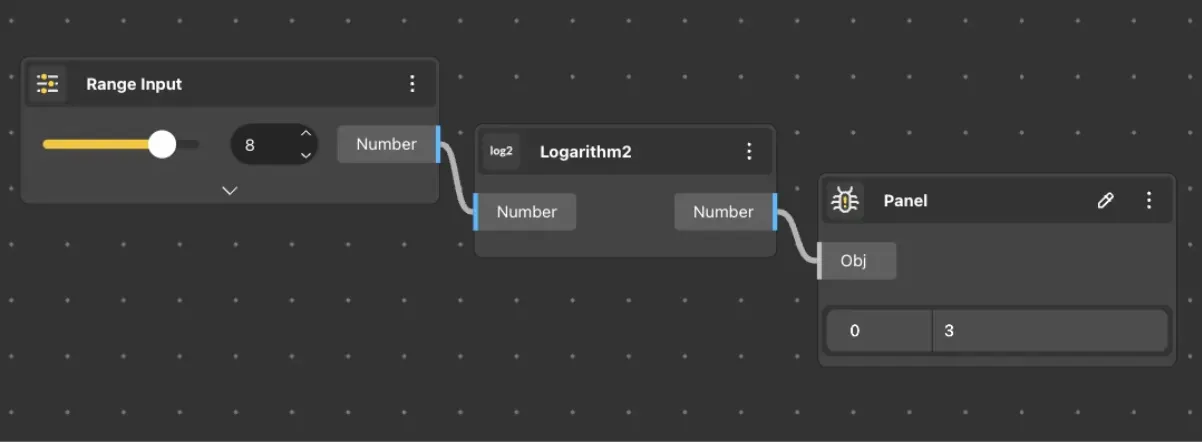
Logarithm2
Behavior
Returns the base-2 logarithm of the input value.
Inputs
Value
Outputs
Result
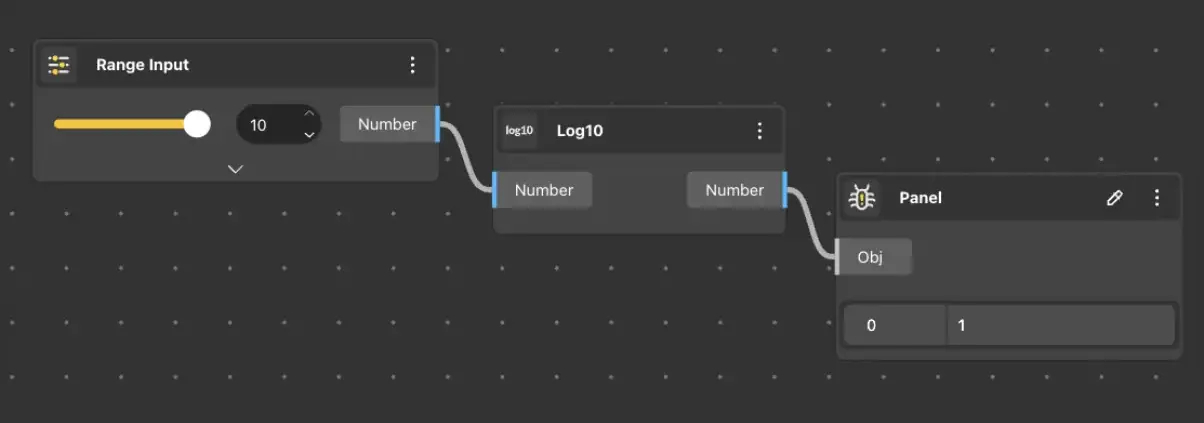
Log10
Behavior
Returns the base-10 logarithm of the input value.
Inputs
Value
Outputs
Result
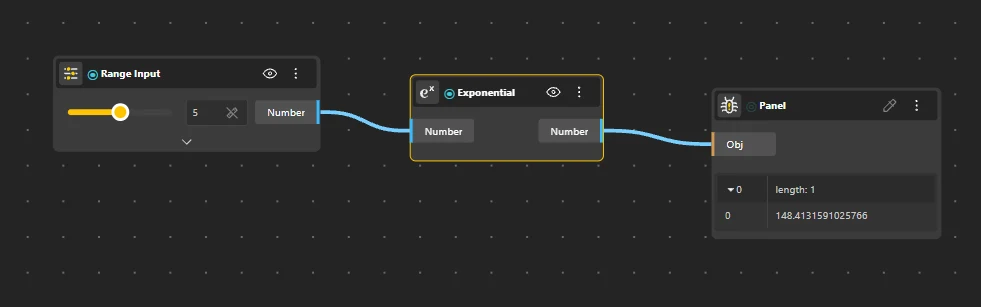
Exponential
Behavior
Returns e raised to the power of the input value (e^x).
Inputs
Value
Outputs
Result
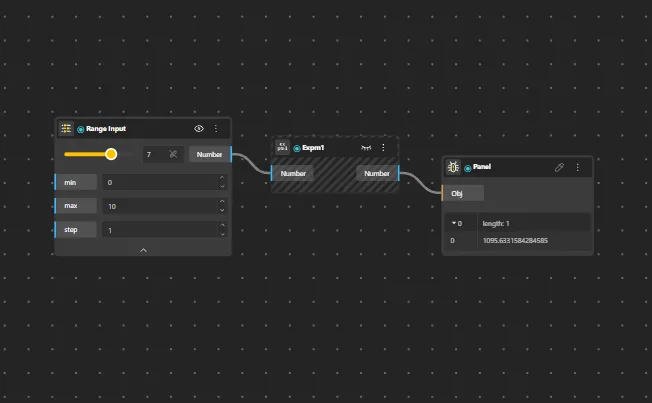
Expm1
Behavior
Returns e^x − 1. More accurate than computing Exponential and subtracting 1 for small values of x.
Inputs
Value
Outputs
Result
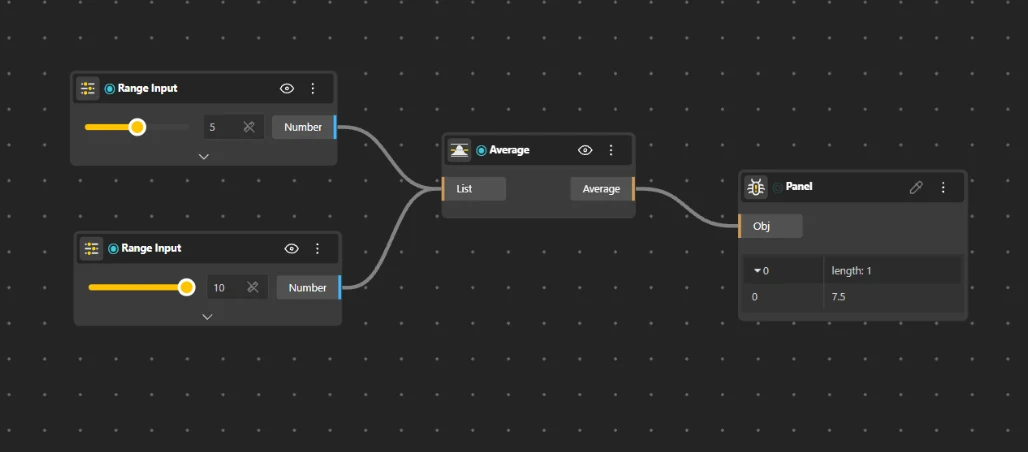
Average
Behavior
Computes the mean of a set of numbers.
Inputs
List
Outputs
Mean
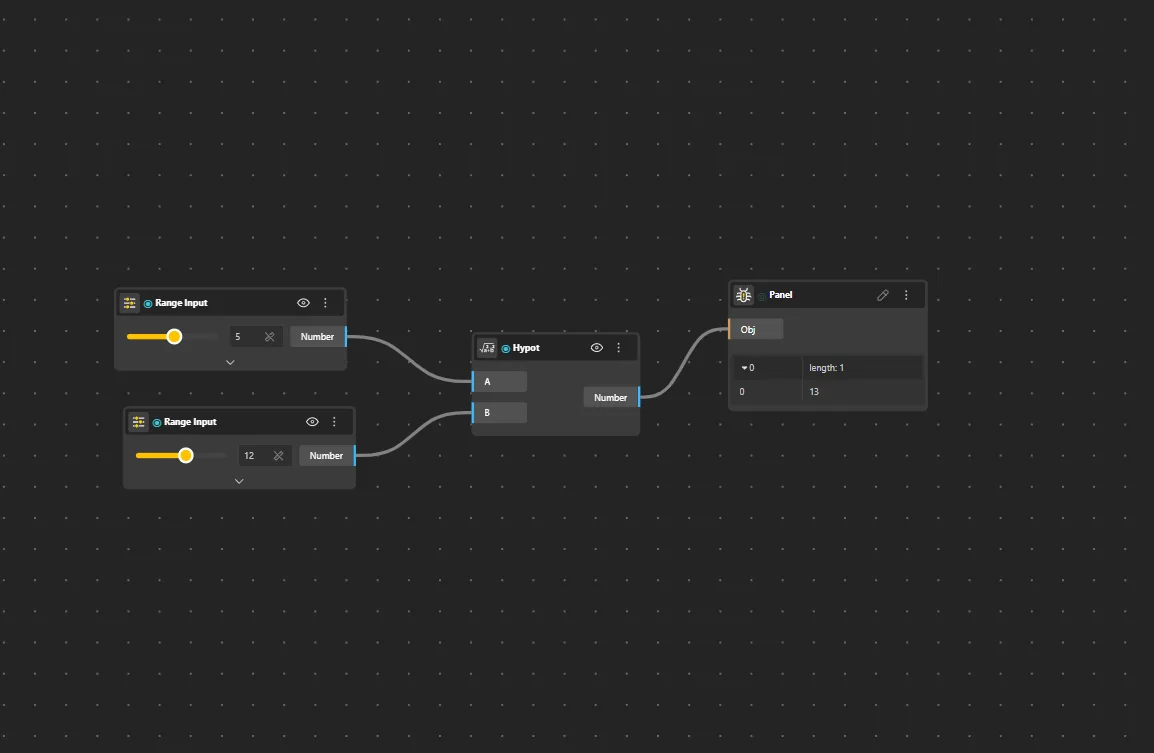
Hypot
Behavior
Returns the Euclidean distance √(x² + y²) for 2D or 3D inputs.
Inputs
A, B
Outputs
Result
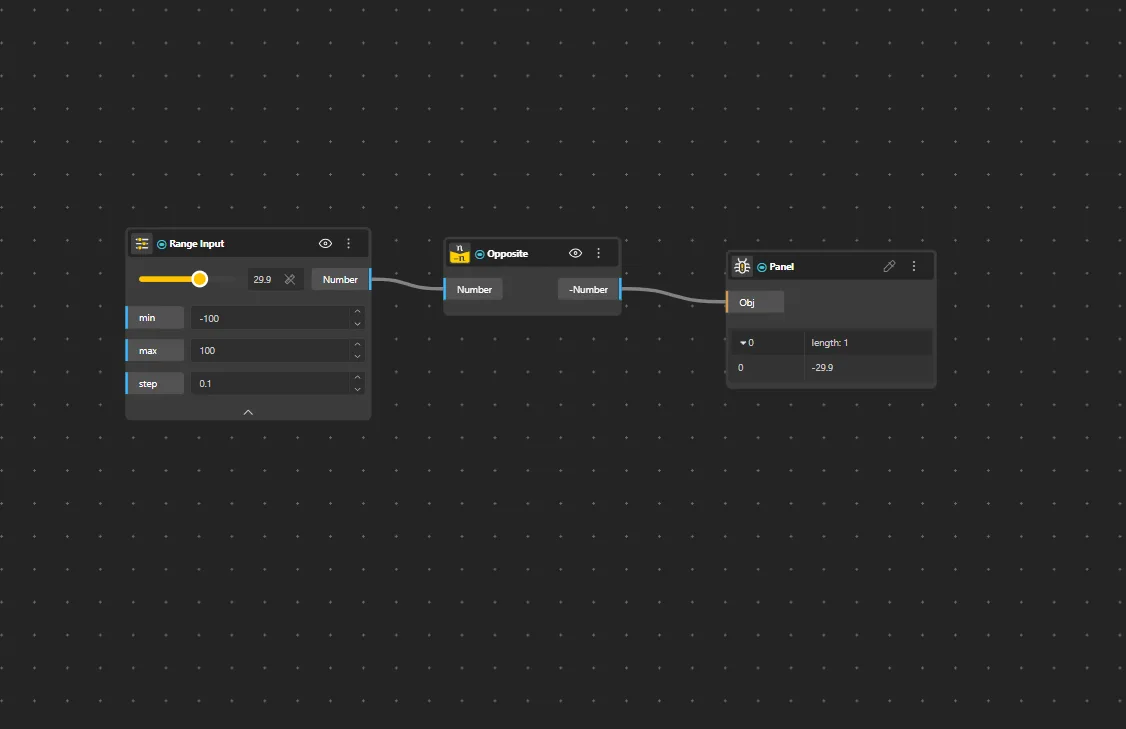
Opposite
Behavior
Returns the negative of a number (−x).
Inputs
Value
Outputs
Result
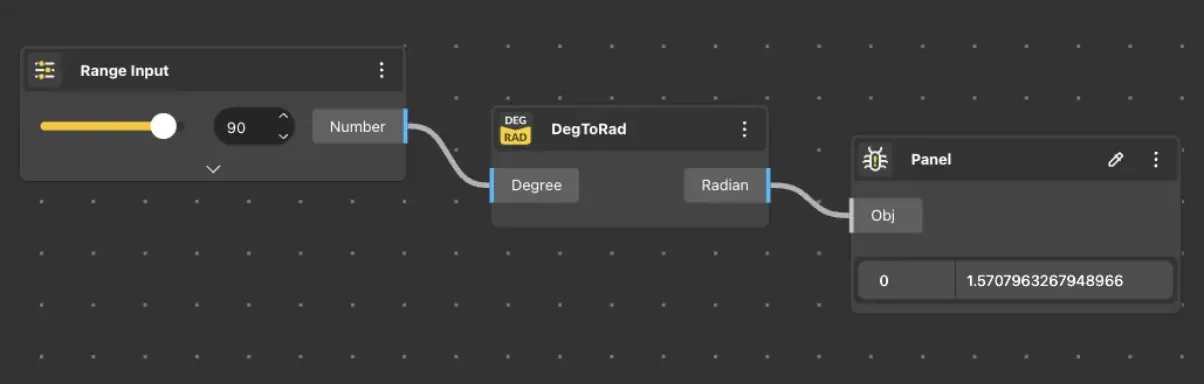
DegToRad
Behavior
Converts an angle from degrees to radians. Essential because all BeeGraphy angle inputs (Rotate, Arc, Polar Array, trig functions) expect radians. Default: degrees × (π/180). 90° → π/2, 180° → π, 360° → 2π.
Inputs
Degrees
Outputs
Radians
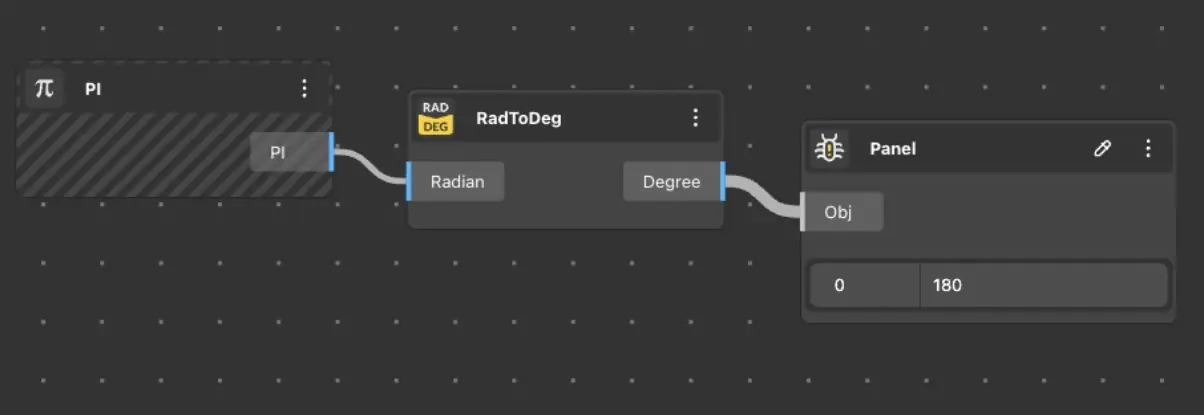
RadToDeg
Behavior
Converts an angle from radians to degrees. Default: radians × (180/π).
Inputs
Radians
Outputs
Degrees
StringToNumber
Behavior
Converts a string input to a number. Parses numeric text into a usable numerical value.
Inputs
String
Outputs
Number
NumberToString
Behavior
Converts a number to its string representation.
Inputs
Number
Outputs
String
Boolean Converter
Behavior
Converts any input value to a boolean type. Returns true if a value is present, false otherwise.
Inputs
Value
Outputs
Boolean
Boolean To Number
Behavior
Converts a boolean to a number - returns 1 if true, 0 if false.
Inputs
Boolean
Outputs
Number
Constants
Fixed mathematical constants - PI, E, square roots, and logarithms of common bases.
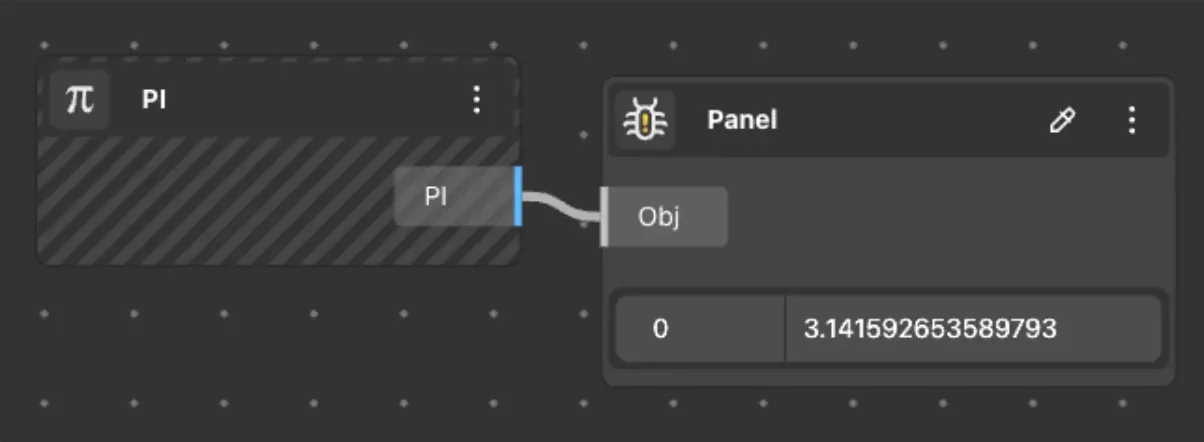
PI
Behavior
Returns the value of π (3.14159…).
Inputs
None
Outputs
3.14159…
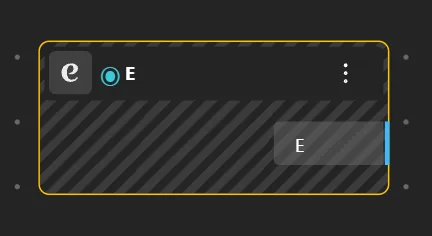
E
Behavior
Returns Euler's number e (2.71828…).
Inputs
None
Outputs
2.71828…
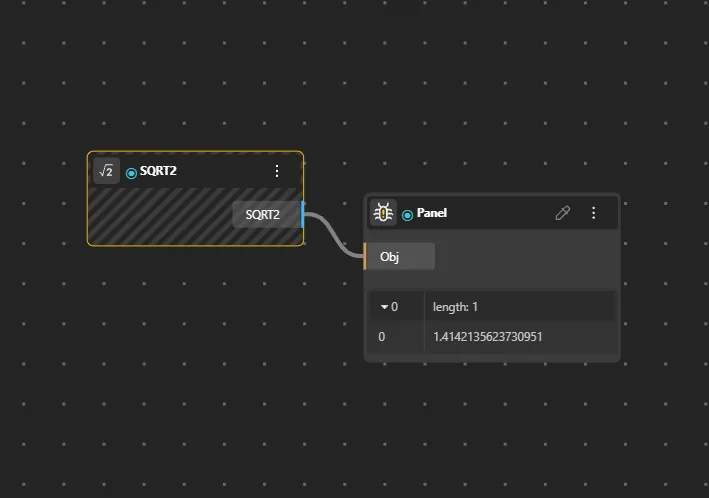
SQRT2
Behavior
Returns the square root of 2 (1.41421…).
Inputs
None
Outputs
1.41421…
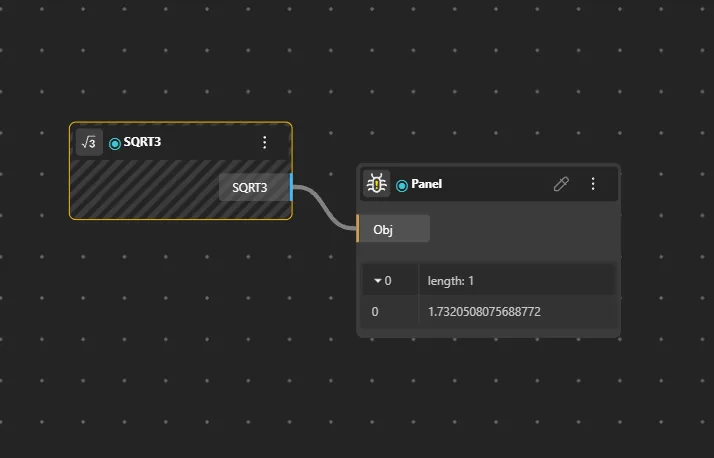
SQRT3
Behavior
Returns the square root of 3 (1.73205…).
Inputs
None
Outputs
1.73205…
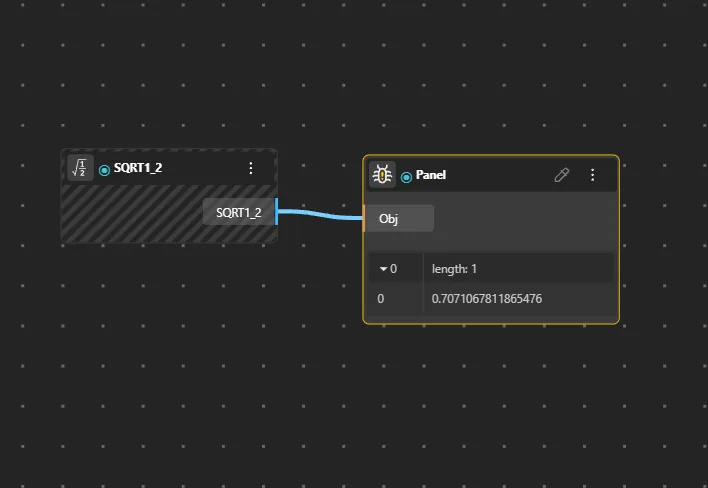
SQRT1_2
Behavior
Returns the square root of 1/2 (0.70710…).
Inputs
None
Outputs
0.70710…
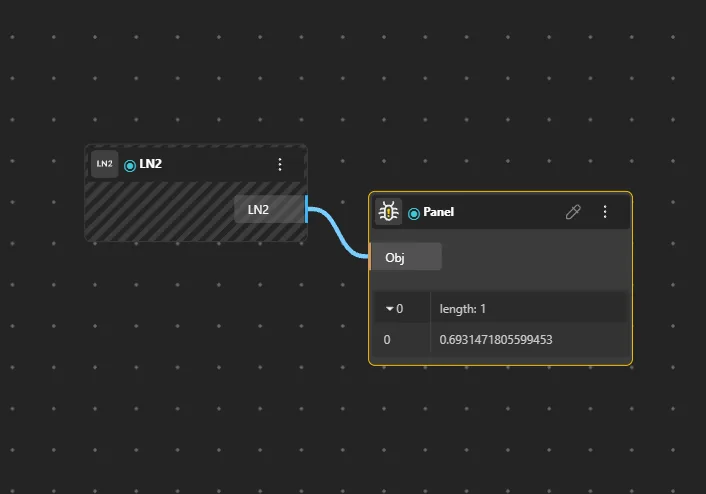
LN2
Behavior
Returns the natural logarithm of 2 (0.69314…).
Inputs
None
Outputs
0.69314…
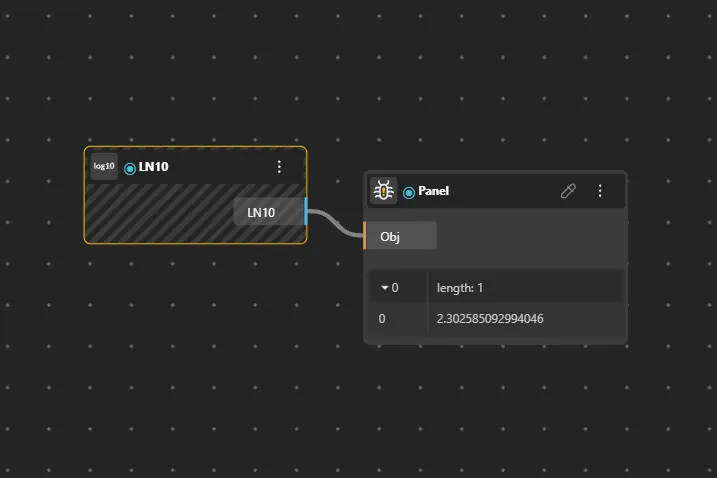
LN10
Behavior
Returns the natural logarithm of 10 (2.30258…).
Inputs
None
Outputs
2.30258…
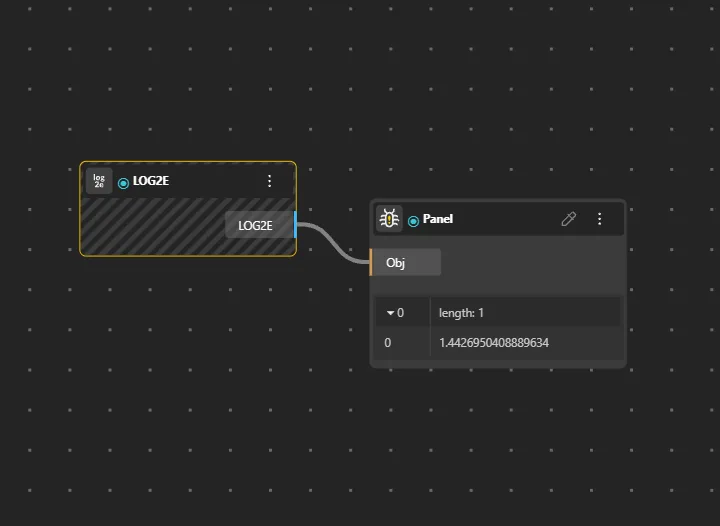
LOG2E
Behavior
Returns the base-2 logarithm of e (1.44269…).
Inputs
None
Outputs
1.44269…
LOG10E
Behavior
Returns the base-10 logarithm of e (0.43429…).
Inputs
None
Outputs
0.43429…