BeeGraphy Editor
Cloud-based visual programming environment for building parametric 2D and 3D models. Browser-based, real-time, collaborative - powered by the OpenCASCADE geometry kernel.
Browser-Based
No Install
Real-Time
3D Preview
Multi-User
Collaboration
200+
Node Types

Overview
The Editor is where parametric models come to life. You connect visual nodes - each representing a geometry operation or logic function - into a graph. The 3D viewport updates in real-time as you adjust parameters. Everything runs in the browser on top of the OpenCASCADE kernel - accessible from any device, anywhere, with no installs required. Models created here power both the Marketplace and the 3D Configurator.
The Editor is designed for all skill levels - from seasoned computational designers to newcomers exploring 3D modeling for the first time. Its intuitive interface and clean layout eliminate the steep learning curve often associated with parametric software, letting you focus on design rather than technical complexity. Guided tutorials, extensive documentation, and the Help Center provide support at every stage.
Capabilities
The Editor provides over 200 node types with keyword search, auto-suggestions, and smart port snapping. The real-time 3D viewport lets you orbit, zoom, and inspect geometry with materials, textures, and environment maps - every parameter change recomputes instantly. This makes design exploration interactive and iterative, enabling rapid prototyping and the ability to experiment with different shapes, forms, and configurations on the fly.
For advanced workflows, TypeScript scripting gives full access to the OpenCASCADE geometry kernel. Live collaboration supports multi-user editing with role-based access (Editor, Inspector, Viewer) - your projects stay accessible and up-to-date regardless of device or location. Data trees handle nested lists with flatten, graft, and data matching algorithms.
Additional capabilities include: reusable components (edit source, all instances update), CAM View for G-code generation (CNC mills and laser cutters), and a plugin ecosystem with community packages via BGPM.
Step 1. Go to beegraphy.com and click Sign Up.
Step 2. Enter your email and create a password.
Step 3. Confirm your account via the verification email.
Step 4. Log in and click "New Model" from the workspace dashboard.
Step 5. Double-click the canvas to open the node menu and start building.
Need help? See the full registration guide →

Geometry
BeeGraphy's Editor provides tools for creating and manipulating curves, surfaces, and solids. Geometry follows a hierarchy - you start with points, connect them into curves, build surfaces from curves, and create solids from surfaces. Each tier unlocks different operations, and every geometry type is represented as a node in the graph.
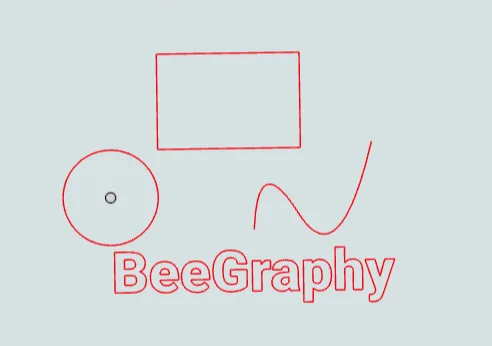
Curves: Curves encompass segments, refractions, ellipses, circles, arcs, B-splines, and freeform shapes. They are essential for generating 2D drawings suitable for CNC machining and serve as the foundation for constructing and modifying surfaces. Contours of surfaces and their isocurves are also treated as curves.
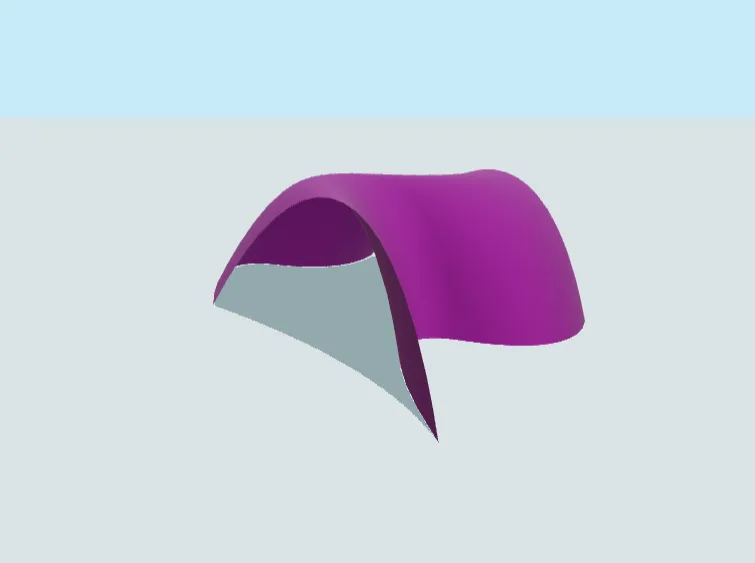
Surfaces: Surfaces are shapes without thickness - they have area and coloration but no volume. Color and texture do not affect dimensionality; exported geometry contains the surface form without visual properties. Multiple surfaces that share common borders can be connected to form a single unified surface.
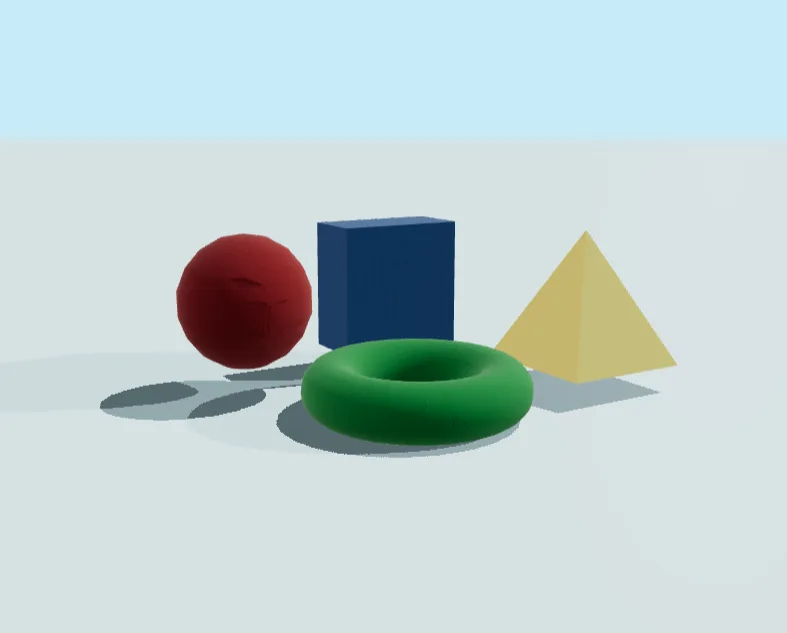
Solids: Solids are enclosed by surfaces and possess volume. A solid can be formed by revolving a surface around an axis - spheres, ellipsoids, cones, and cylinders are created this way. Solids are hollow inside, bounded by their enclosing surfaces.
Operations: Operations modify existing geometry - combining, cutting, or transforming curves, surfaces, and solids. These are functions applied to geometry, not geometry types themselves: booleans (union, cut, intersect), hollow (shell offset, open faces), glue ops (fast solid joins), and polar arrays (radial patterns).
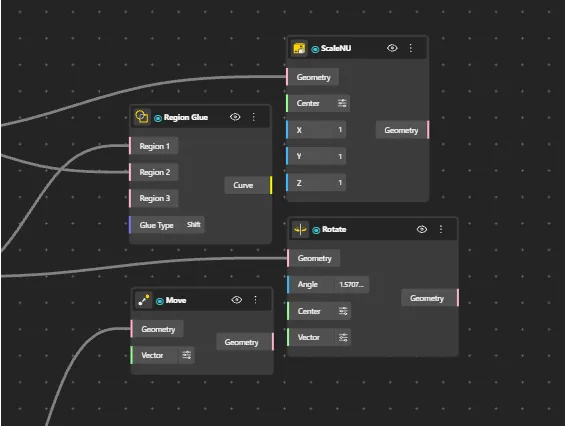
Every geometry type and operation is a node. Chain them - build a point, sweep it into a curve, loft curves into a surface, panel the surface into hexagonal tiles, extrude into a solid, then hollow it into a shell. Change one upstream parameter and the entire graph recomputes.
3D View

The 3D View is the real-time viewport in the Editor. It renders your model live as you connect nodes and adjust parameters - letting you orbit, pan, and zoom to inspect every part of your geometry, verify output, and present your work.
The viewport offers four default views: Orbit (free rotation), Top, Front, and Right. Three render modes: Shaded (basic surface colors, lightweight), Render (lighting, reflections, materials), and Shadow (depth and form visualization with ground or cyclorama illumination).
Viewer settings let you toggle Grid, Axes, Wireframe, Transparent, Normals, and Edges independently. Level of Detail (LOD) supports Low, Medium, High, or Custom quality. The Gizmo in the top-right corner provides axis labels, face-based view indicators, and a Viewport Lock.
Camera Ports let you save, restore, and clear camera positions - the saved position becomes the default view when a model is published. Click any geometry in the viewport to identify which node produced it; if multiple nodes overlap, a dropdown lists all related nodes for direct navigation.
Go Deeper
Data trees & lists: Handle nested lists, data matching, flatten, graft, and partition. Work with arrays of arrays without writing code.
TypeScript scripting: When nodes aren't enough, write code with full access to the OpenCASCADE geometry kernel for custom operations and algorithmic patterns.
Performance profiling: Node-level timing breakdown helps you spot bottlenecks. Optimize by using Glue operations over heavy boolean unions.
CAM View: Generate G-code toolpaths for CNC mills and laser cutters. Simulate cuts before sending to a machine. See CAM View docs →
Components & subgraphs: Save node groups as reusable components. Edit the source and every instance updates across your model.
Live collaboration: Multiple users on the same model in real-time with role-based access: Editor (full control), Inspector (read-only canvas), and Viewer (parameter-only).
Output Formats
● 3D geometry ● 2D / fabrication ● Data export
Quick Shortcuts
Add node
Search active nodes
Pan editor
Group
Copy / paste
Zoom
Learn More
3D View
Display modes, navigation, settings, and camera controls
→
Node Reference
Every node - ports, parameters, behavior
→
CAM View
G-code toolpaths for CNC and laser cutters
→
Plugin Development
Custom TypeScript nodes and the OCCT geometry API
→
Help Center - Editor
Step-by-step guides
→