Node Copy
Duplicate nodes using Ctrl+C/V shortcuts or Alt+Drag.
Copy with Keyboard Shortcut
There are two options for copy nodes in the workspace:
The first method to copy selected nodes involves using the keyboard shortcut Ctrl (or Cmd on Mac) + C. To paste the copied nodes, use the shortcut Ctrl (or Cmd on Mac) + V.
It's important to note that when a node is copied, its connections are also retained in the new, duplicated node.
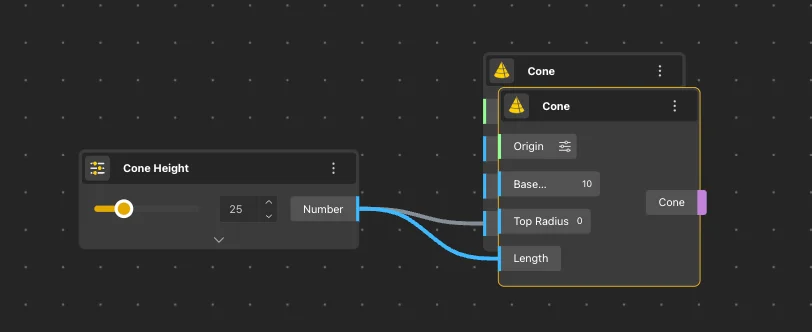
Copying nodes with Ctrl+C / Ctrl+V
Copy with Alt+Drag
The second method for copying uses the Alt key in combination with the left mouse button. To copy nodes, first select the desired node(s). Then, hold down the Alt key, left-click, and drag the selected nodes to a new location. Once you release the mouse button, the copied nodes will be placed at the specified position.
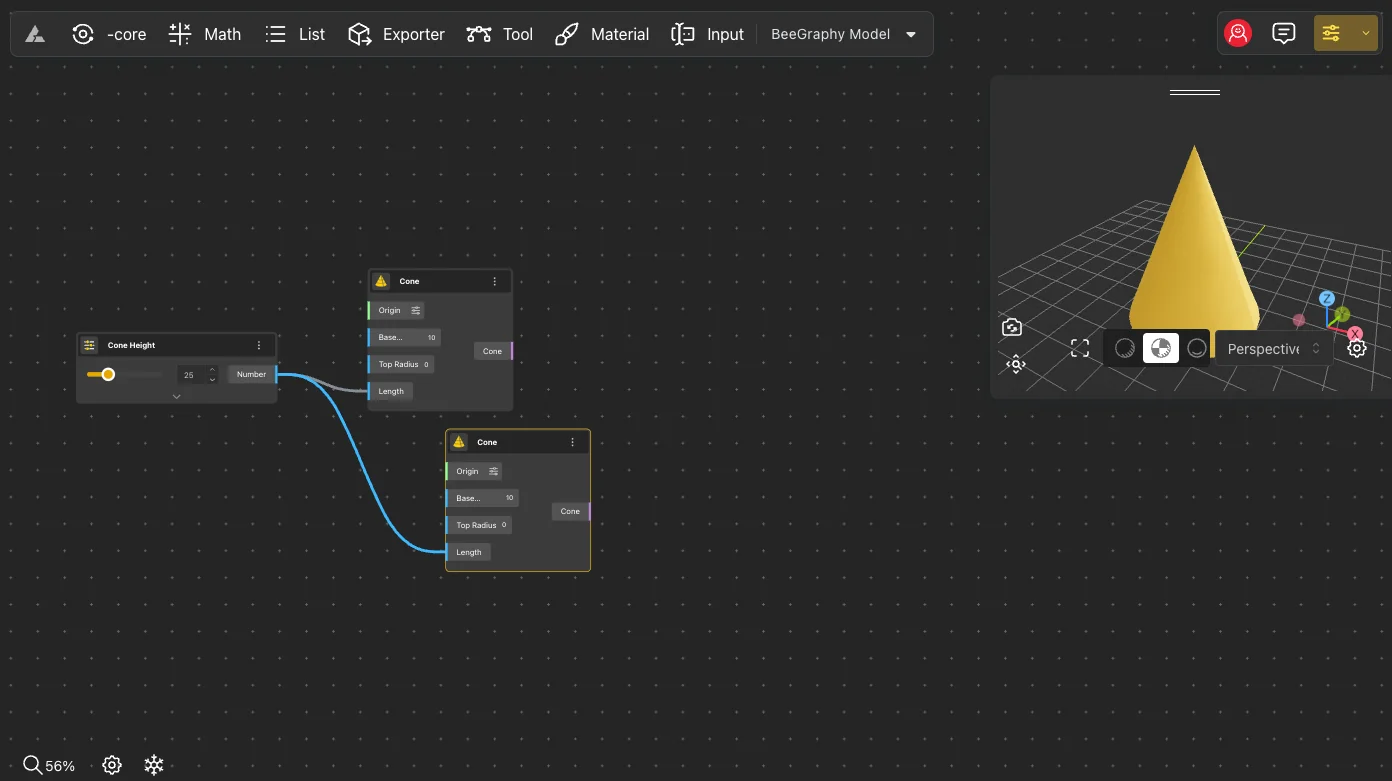
Copying nodes with Alt+Drag